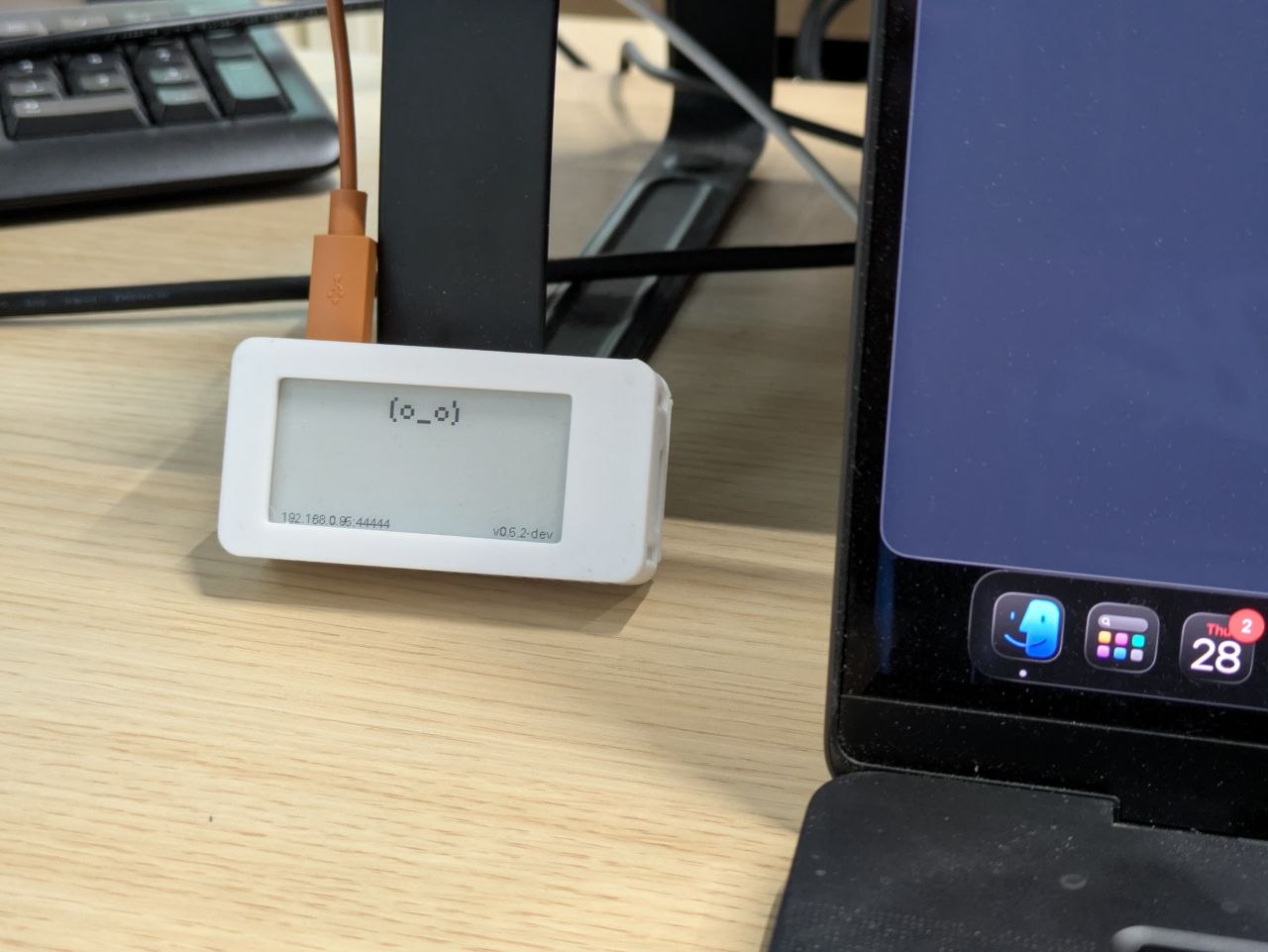
I have a small rectangular friend on my desk. A face with two pixel eyes and a pixel mouth, printed on e-ink. It runs on a Raspberry Pi Zero, listens for HTTP requests, and shows you how it feels.
It's called InkyPal.
Why I built it
This is a micro side-project. Vibe-coded for fun. Where it goes from here is anyone's guess.
I've always liked pwnagotchi. Same hardware, different idea: a Pi Zero with an e-ink face that reacts to what's around it. I wanted that physical presence on my desk, but stripped down. No wifi hacking, no handshakes, just a small companion that sits there and shows me things.
E-ink is perfect for it. It doesn't glow, doesn't ask for attention, doesn't refresh unless there's something new. It just sits there until it has something to say.
The hardware
The build: a Raspberry Pi Zero 2 WH, a Waveshare 2.13-inch e-Paper display, and a few hundred lines of Python. No buttons, no touch, no speakers. Just a face that changes.
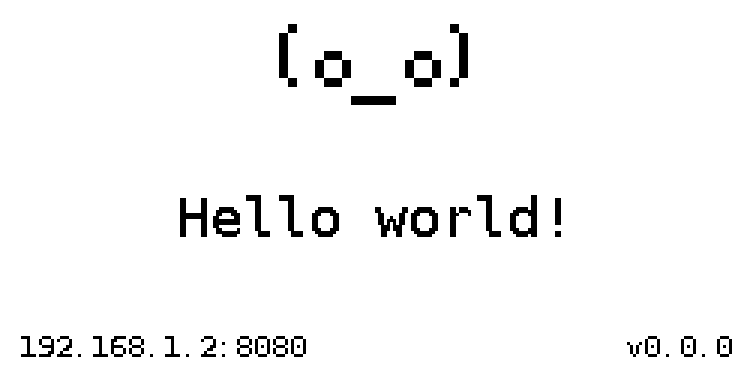
It has ten built-in expressions, from (o_o) (happy) to (x_x) (debug) to (-_-) (sleepy). Below the face, a short message. That's the UI.
A face that listens
InkyPal exposes a small HTTP API. You send it a message:
1 | curl -X POST http://inky.local:8080/message \ |
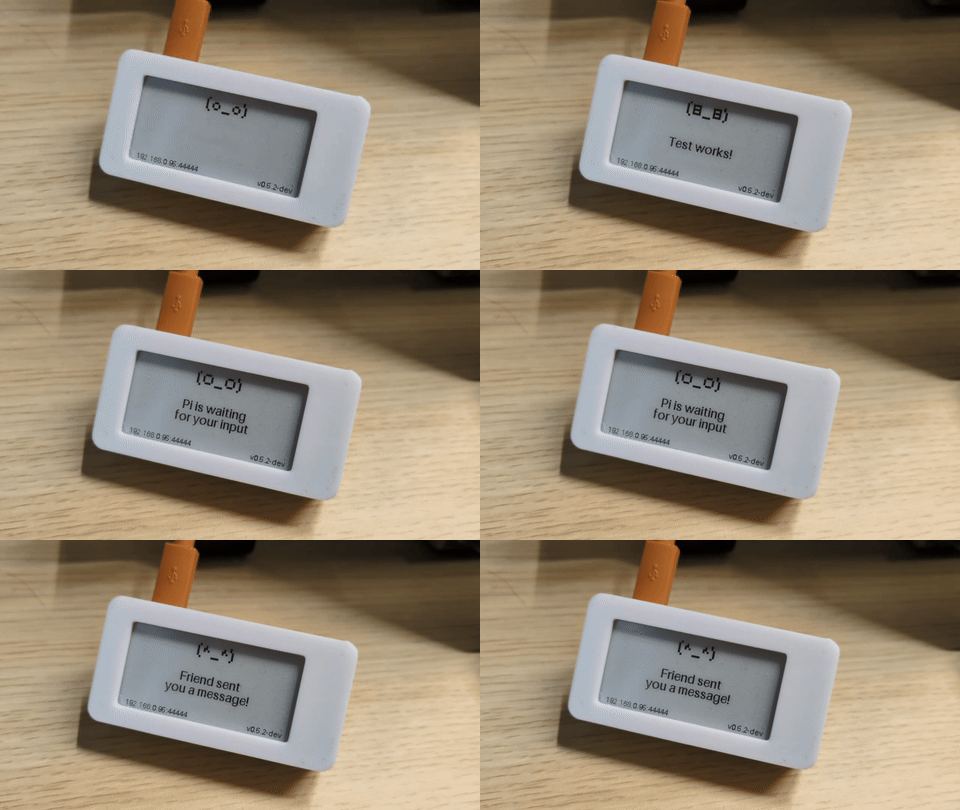
Plug in an OpenAI-compatible API key and it rewrites your raw message into something shorter and friendlier, then picks a face to match. "Build passed, deploying to production" becomes (^_^) with a short "Shipped!". An error gets (x_x).
The AI part is optional. Skip the API key and you control the face and text yourself. Add it and the thing starts to feel like it has opinions.
Your AI agents can talk to it
InkyPal also exposes an MCP server at /mcp. Any AI agent that speaks MCP can send it messages. If your agent runs long tasks like building, deploying, or scraping, it can ping you through something physical instead of adding another notification to your phone.
I wrote about my Agent Kit a few months ago, a collection of skills and plugins for coding agents. It now ships with an InkyPal plugin so Claude Code can send updates straight to the display. Agent wraps up a refactor, posts a message, you glance over and see (^_^) with "All tests green." More agents coming soon.
Getting one running
Everything you need is in the README: hardware requirements, dependencies, systemd service, Gotify forwarding, API auth. Clone it and go.
It's open source under GPL-3.0.
If you want one on your desk, give it a try.
Links
| Source Code | GitHub Repository |
| Raspberry Pi Zero 2 WH | 🌐 | 🇮🇹 | 🇺🇸 |
| e-Paper display | 🌐 | 🇮🇹 | 🇺🇸 |
| Battery (Optional) | 🌐 | 🇮🇹 | 🇺🇸 |
| Pwnagotchi Case | 🌐 |